Changing a published page, the address stays
Updated:
When you keep working on your artifact in the chat, you push the new draft as a new version. The address stays the same, links you handed out keep working. Older versions cannot be brought back today, so keep the code yourself.
How it works
- Open “My pages” and pick the page.
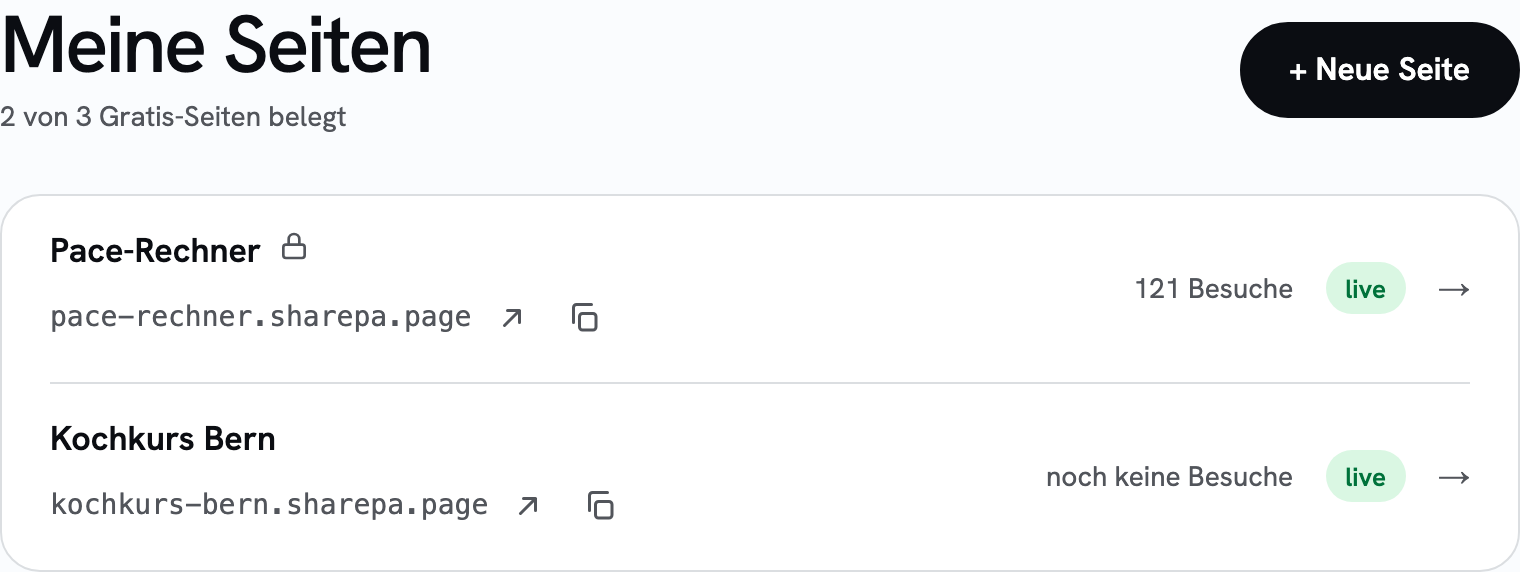
- Copy the changed code from the chat and paste it in the “Upload a new version” field. The preview shows you the new version before anyone else sees it.
- Publish. Within a minute the address delivers the new version.
Visitors who already have the page open see the change only after reloading. That is normal and not a fault.
If you have connected the connector in Claude, it also works without the app: name the existing address in the chat, and it becomes a new version of the same page. If you name no address, sharepa creates a new page instead of overwriting the old one. That is deliberate, so a misunderstanding in the chat breaks nothing. More about it in the connector guide.
What it costs
Nothing extra. Free covers thirty new versions per day, across all pages together and no matter whether from the app or from the chat. Anyone who improves an artifact five times will not notice it.
Questions
Does the address really stay the same?
Yes. A new version only changes the content. Address, password and a connected domain stay untouched.
Can I go back to an older version?
Not today. We do store every version, but there is no way yet to bring one back in the app. That is planned. Until then: keep the code of your artifacts yourself, in the chat history or as a file. If you change an important page, put the old version somewhere first.
Do I have to get the page approved again after a change?
No. Only if the automatic link check finds something does the new version go into review first. You then get an email, usually within a day. The old version stays online in the meantime.
What if I made a mistake?
Just push the correct version as another version. As long as you still have the old code, the mistake is fixed in a minute.