Want to use sharepa straight from the chat? How to connect Claude or ChatGPT
If you work with Claude Code in the terminal, you do not have to copy anything for a page on sharepa. You add sharepa once as an MCP server, allow access, and from then on you say in the terminal "put this file online on sharepa". Claude Code reads the file and publishes it. It is the same connector as in the Claude app, just from the command line.
How it works
- Add sharepa to Claude Code, once, in the terminal:
claude mcp add --transport http sharepa https://app.getsharepa.ch/mcp
- Start Claude Code and type
/mcp. Choose sharepa and "Authenticate". The browser opens, you sign in to sharepa and tap "Allow". - Back in the terminal, one sentence is enough:
Put index.html online on sharepa as cooking-class
- Claude Code reads the file, calls the connector and hands you the link. The page runs under
cooking-class.sharepa.page.
If you name an address that already belongs to you, it becomes a new version of the same page. Without an address, sharepa suggests one from the title and creates a new page.
What the connector can do from Claude Code
Everything it can do in the Claude app: publish pages, upload new versions, read visit counts, set a password, connect a domain and fetch a page's source code. Deleting works only in the app.
The difference from the app: Claude Code has your files right in front of it. It can build a page, check the file and publish it, in one go.
What to watch out for
Claude Code only sees what is in the project folder. The file has to be there, otherwise it cannot read it. Images the page needs have to be reachable by address, sharepa takes one file, not a folder.
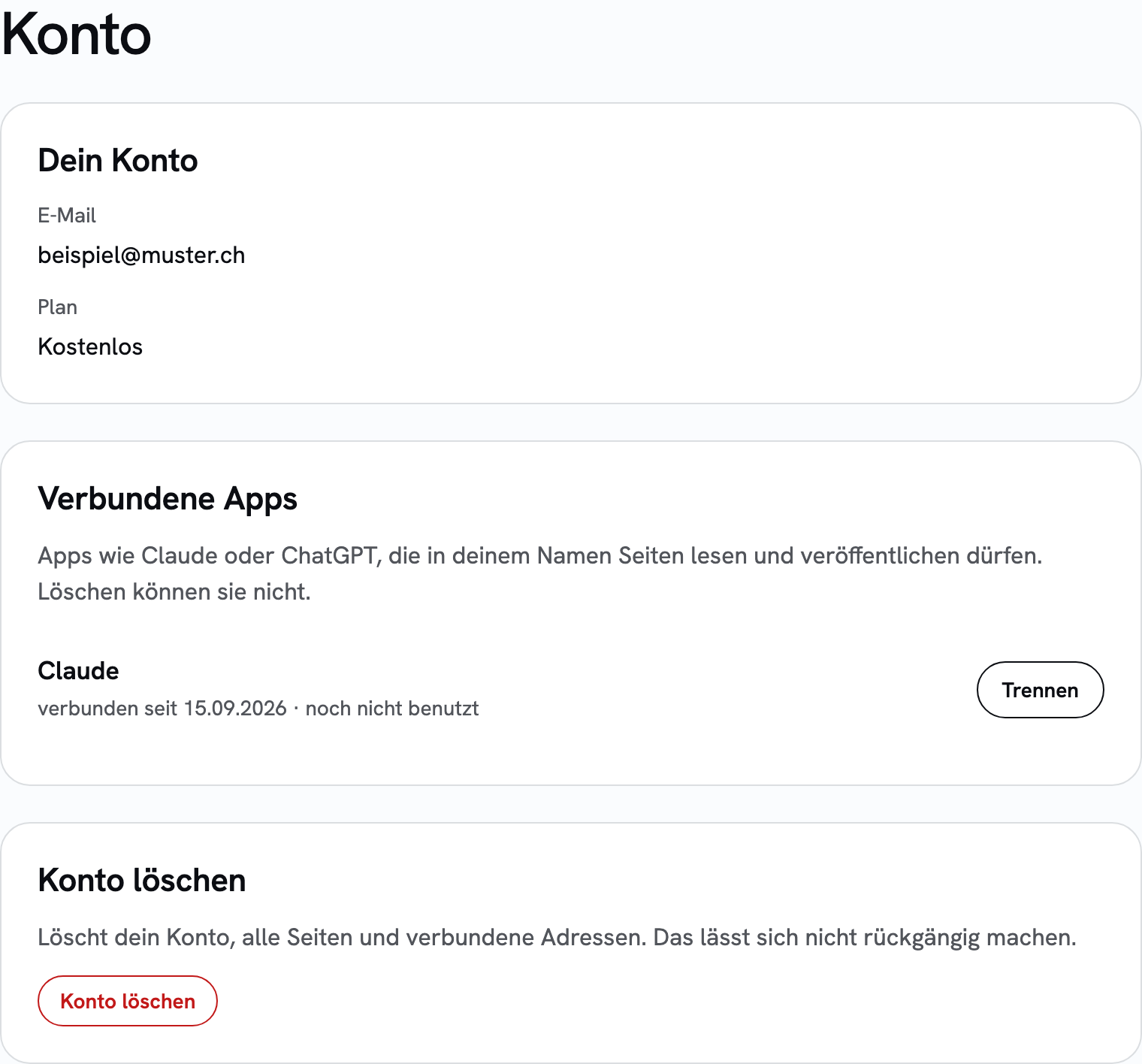
The connector runs per account. If you sign in with a different email address than in the app, the pages end up in a different account.
What it costs
Nothing extra. The connector is part of the free tier, three pages included. Claude Code itself needs a Claude subscription or API credit.
Questions
Do I have to set this up again for every project?
No, if you add the server with --scope user it applies to all projects. Without that flag it applies only to the current folder.
Does this work with other terminal tools too?
The connector is an ordinary MCP server over HTTP. Tools that support remote MCP servers with sign-in can use it. We have tested it with Claude Code and the Claude app.
Can Claude Code disconnect or delete a page as well?
Disconnecting a domain and deleting a page deliberately work only in the app. That way a misunderstanding in the terminal deletes nothing.