Want to use sharepa straight from the chat? How to connect Claude or ChatGPT
Published pages can be embedded in someone else's website as soon as you allow it for the page. New pages are only reachable directly at first, so nobody puts them into another website without asking. Two more things you need to know: pages with a password can never be embedded, and you have to set the height yourself.
This is useful when you want to put a tool from the chat into an existing page, a calculator in a blog post for instance, without touching your whole layout.
How it works
- Publish the artifact and note the address.
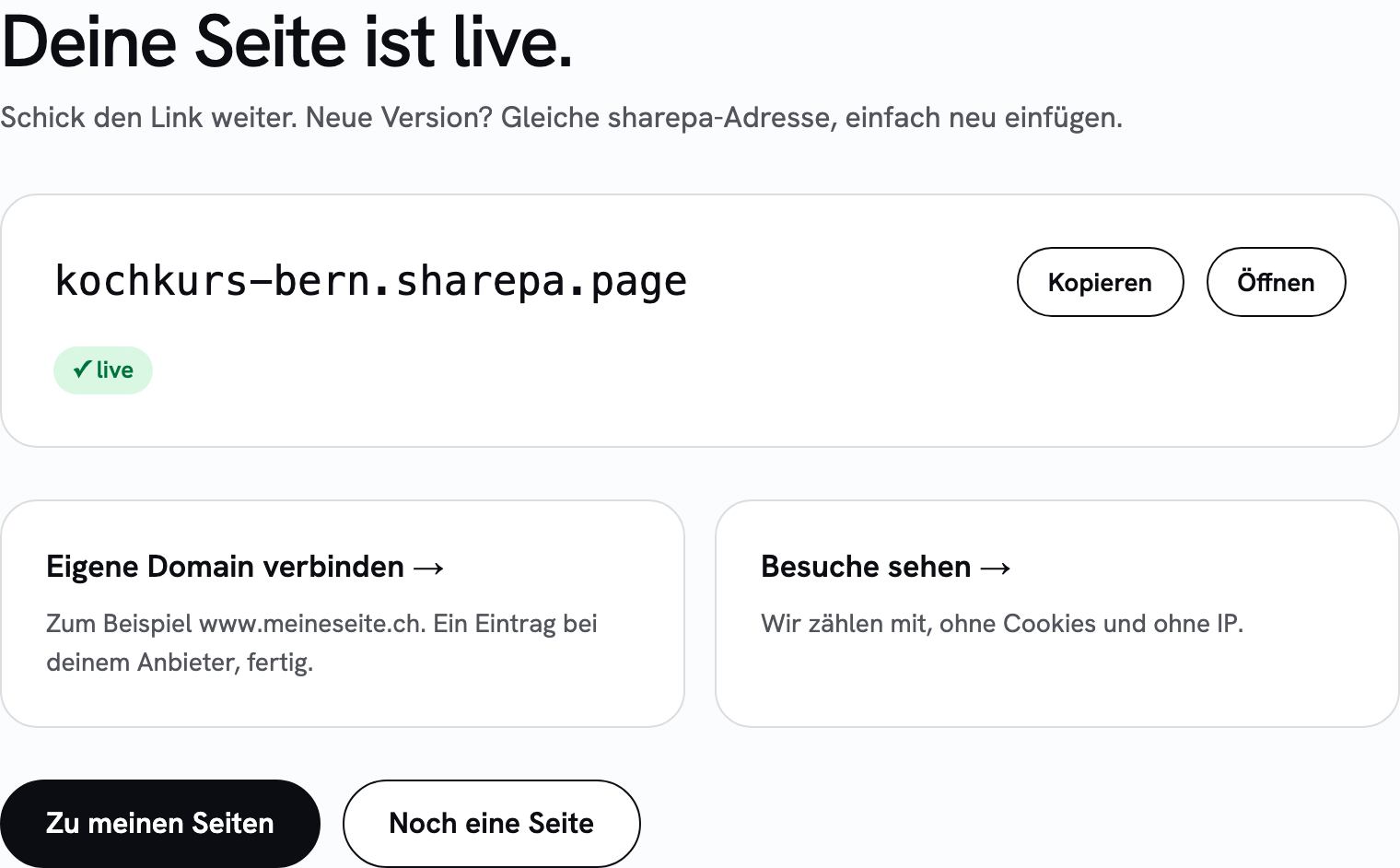
- Open the page under “My pages” and turn on the switch under “Embedding”. The new setting applies within a minute.

- Put this block where the page should appear on your website:
<iframe src="https://kochkurs.sharepa.page/"
        title="Kochkurs-Rechner"
        width="100%" height="700"
style="border:0" loading="lazy"></iframe>- Check the result on a phone. An
iframedoes not grow with its content, you set the height. Find a height where nothing is cut off on a narrow screen either.
The title belongs there, otherwise people using a screen reader cannot find their way.
What it costs
Nothing extra. The usual limits apply: three pages free, the note “Made with sharepa” bottom right. The note also appears inside the embedded frame, because it is part of the page.
Questions
Are embedded hits counted?
Yes. For us that is a normal hit on the page. Your website then shows up under referrers, so you see how often the frame was loaded.
Does this work with a password-protected page?
No. Pages with a password can never be embedded, not even with the switch turned on. Otherwise another website could lay the password page invisibly over its own and catch what people type. Use a page without a password for embedded content, or link to it instead of embedding it. If you remove the password, the switch setting applies again.
Can the height adjust automatically?
Not on its own. sharepa sends no message about the height to the surrounding page. If you need that, you build something into your artifact that reports the height, and read it on your own website.
Can I forbid embedding again?
Yes. Turn off the switch under “Embedding”. Within a minute, a frame on another website shows a browser error instead of your page. Visiting the address directly keeps working.
Can I allow embedding only on my own website?
Not yet. The switch allows it for all websites or none. A list of allowed websites is planned.
Does this work from the chat too?
Yes. If you have connected sharepa as a connector, say something like “Put this online and allow embedding”. Claude then sets it when publishing.
Does a React artifact work too?
Yes, for the frame it makes no difference. How React artifacts are built is described in the guide about it.